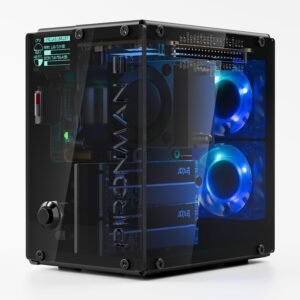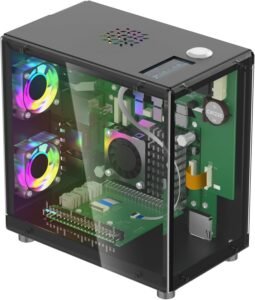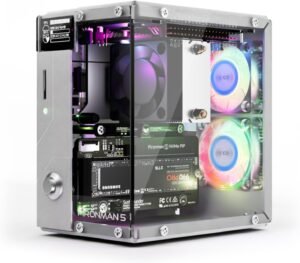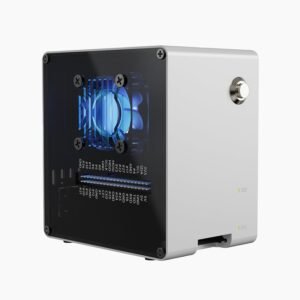
Pironman 5-Mini is a black aluminum mini PC-style case that turns any Raspberry Pi 5 (2/4/8/16GB) into a desk-friendly build with integrated NVMe storage support and a clear focus on daily-use practicality. I like how it pairs the Pi 5’s PCIe x1 NVMe setup (PCIe 2.0/3.0 compatibility, M.2 2230–2280) with safe shutdown power control, PWM active cooling plus an RGB fan, and optional Hailo-8L-friendly airflow tuning for sustained workloads.
Key takeaways
- Premium mini‑PC feel: I get a rigid, premium-feeling aluminum chassis that makes a Raspberry Pi 5 look and operate more like a compact mini PC for NAS, Home Assistant, media, or retro projects.
- Faster storage in real use: I see NVMe over the Pi 5 PCIe x1 link deliver noticeably faster boots and smoother database/Docker work than microSD, even though it won’t hit full desktop-class sequential speeds.
- Safer power behavior: I can use the safe shutdown feature and external power switch to lower SD/NVMe corruption risk during abrupt power loss, and I pair it with a quality USB‑C PSU for best results.
- Better sustained thermals: I rely on the PWM active cooler plus RGB fan to improve sustained thermals and help prevent clock drops and SSD throttling, and I tune noise, cooling, and lighting based on my workload.
- Useful extras: I also get practical extras like RTC support (with included battery/keeper), an external GPIO extender, and cleaner cable routing; Raspberry Pi 5 isn’t included, so I plan total build cost upfront.
Premium Aluminum Mini PC Build with Expansion
Pironman 5-Mini turns a Raspberry Pi 5 into a compact mini PC-style system that looks clean on a desk and holds up in daily use. I like the black aluminum chassis because it feels rigid and resists flex, and the 13.4 oz (0.38 kg) weight gives it a premium, planted feel. I can drop in any Raspberry Pi 5 model (2GB/4GB/8GB/16GB) and keep the build consistent across NAS, Home Assistant, media, or retro gaming projects.
Power control that protects storage
I treat power handling as a core feature, not an accessory. This case includes a secure external power switch and a safe shutdown feature, which helps reduce the risk of SD or NVMe corruption during abrupt power cuts. I still keep these habits to stay safe:
- I enable clean shutdown routines in my OS before cutting power.
- I pair the setup with quality USB-C power to avoid brownouts.
- I keep storage writes off the SD when possible for longevity.
For related builds, I compare it against the Pironman 5 NVMe case, the Pironman 5 Max dual NVMe case, and the Argon One V3 NVMe PCIe case.
Check current pricing and availability at Amazon here!
Pironman 5-Mini NVMe M.2 SSD PCIe 2.0/3.0 Mini PC Case for Raspberry Pi 5 2/4/8/16GB Hailo-8L AI Accelerator with PWM Active Cooler+RGB Fan, Safe Shutdown, RGB Effect (RPI5 Not Included)

This image is property of Amazon.com.
Fast Storage Upgrade: NVMe Over PCIe 2.0 x1
NVMe over PCIe 2.0 x1 makes the Pi 5 feel noticeably snappy compared with microSD. I get faster boot, quicker package installs, and smoother database and Docker workloads.
This case supports M.2 2230–2280 drives and lists PCIe 2.0/3.0 compatibility, so I can reuse common SSDs without messing with USB enclosures. I also prefer the cleaner, cable-free layout for desktop and light server builds.
For other clean NVMe builds, I like comparing the Argon One V3 NVMe case, the Pironman 5 NVMe case, and the Pironman 5 Max dual-NVMe option. Check current pricing and availability at Amazon here!
Pironman 5-Mini NVMe M.2 SSD PCIe 2.0/3.0 Mini PC Case for Raspberry Pi 5 2/4/8/16GB Hailo-8L AI Accelerator with PWM Active Cooler+RGB Fan, Safe Shutdown, RGB Effect (RPI5 Not Included)

This image is property of Amazon.com.
Cooling for Sustained Loads + RGB
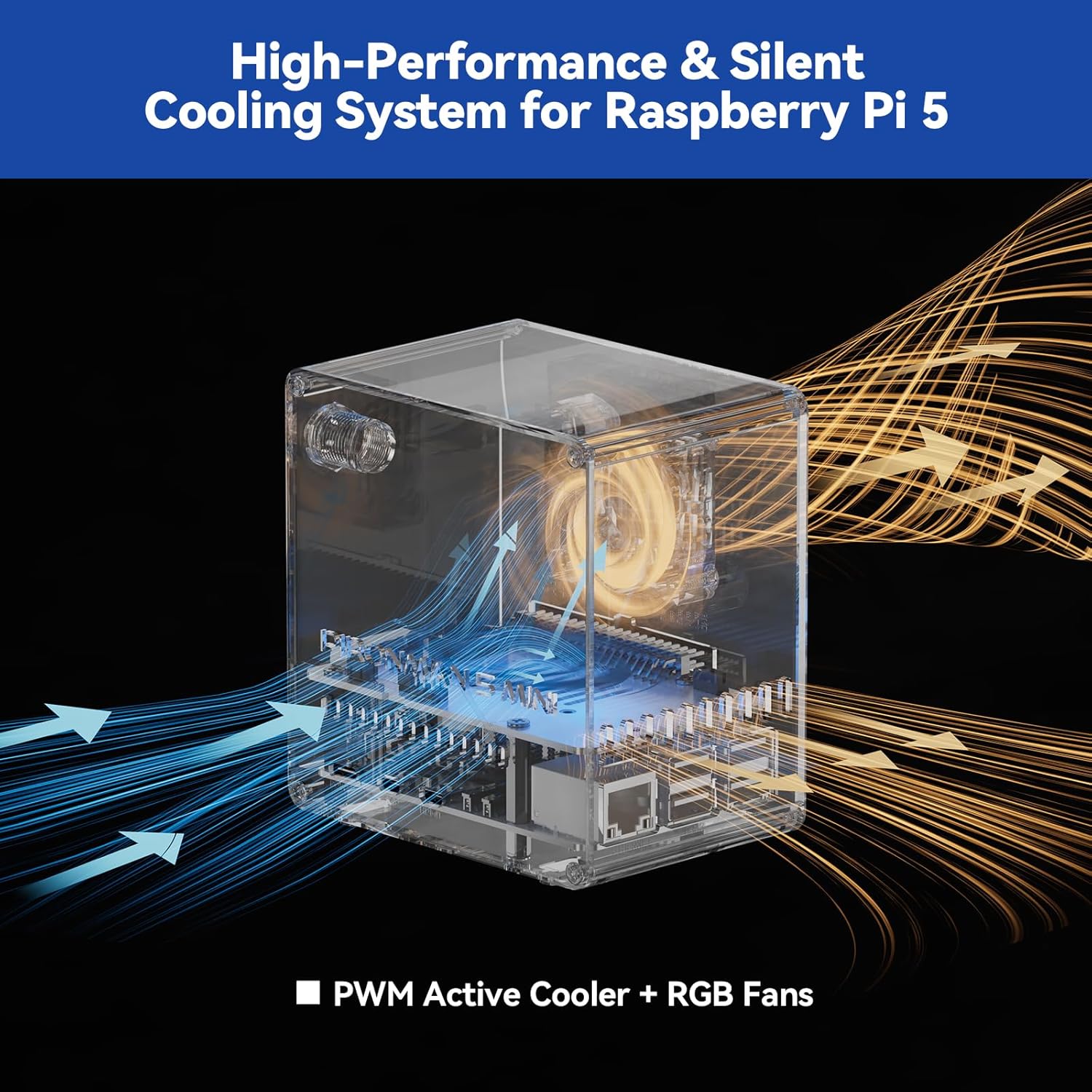
I run sustained CPU, PCIe, and storage workloads hard enough to heat-soak a Raspberry Pi 5, so I prioritize airflow that stays stable over time. This setup uses a PWM active cooler on the Pi plus an RGB fan to push consistent air through the case. That combination keeps clocks steady and helps avoid performance dips that show up during long compiles, containers, or NAS-style transfers.
How I tune airflow, noise, and lighting
I treat cooling and lighting as one system, since fan curves affect both sound and thermals. I set PWM control to ramp smoothly, then use RGB settings to match the build without turning it into a distraction. Here’s how I typically configure it:
- Use PWM fan control with a gentle curve so idle stays quiet and load cooling stays aggressive.
- Aim airflow across the Pi’s SoC area, then through the NVMe zone to reduce SSD throttling risk.
- If I install a Hailo-8L, I keep a higher minimum fan speed to manage accelerator heat.
- Dial RGB brightness down for desk use, then keep effects subtle to reduce visual noise.
For similar Pi 5 builds, I also reference cases like the Pironman 5 NVMe case, the Pironman 5 Max dual NVMe NAS case, and the Argon ONE V3 NVMe PCIe case to compare airflow layouts and NVMe placement.
Check current pricing and availability at Amazon here!
Pironman 5-Mini NVMe M.2 SSD PCIe 2.0/3.0 Mini PC Case for Raspberry Pi 5 2/4/8/16GB Hailo-8L AI Accelerator with PWM Active Cooler+RGB Fan, Safe Shutdown, RGB Effect (RPI5 Not Included)
This image is property of Amazon.com.
Easy Assembly, Tutorials, and Bonus Features
I put this case together fast because the build flow stays simple and the steps stay clear. I also like that the manufacturer backs it up with video tutorials and online courses, so I can sanity-check wiring, thermals, and SSD fit before I button it up. For a similar guided, tidy build style, I often reference the Pironman 5 NVMe case and the Argon ONE V3 NVMe case.
Bonus features I actually use
These extras keep the setup clean and practical:
- RTC support for accurate timekeeping without relying on network time
- External GPIO extender so I keep headers accessible while the build stays tidy
- Better cable routing and fewer open-case moments during testing
Check current pricing and availability at Amazon here!
Pironman 5-Mini NVMe M.2 SSD PCIe 2.0/3.0 Mini PC Case for Raspberry Pi 5 2/4/8/16GB Hailo-8L AI Accelerator with PWM Active Cooler+RGB Fan, Safe Shutdown, RGB Effect (RPI5 Not Included)

This image is property of Amazon.com.
Ports, Battery, and Size Details
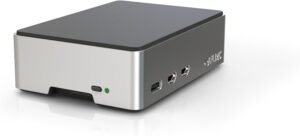
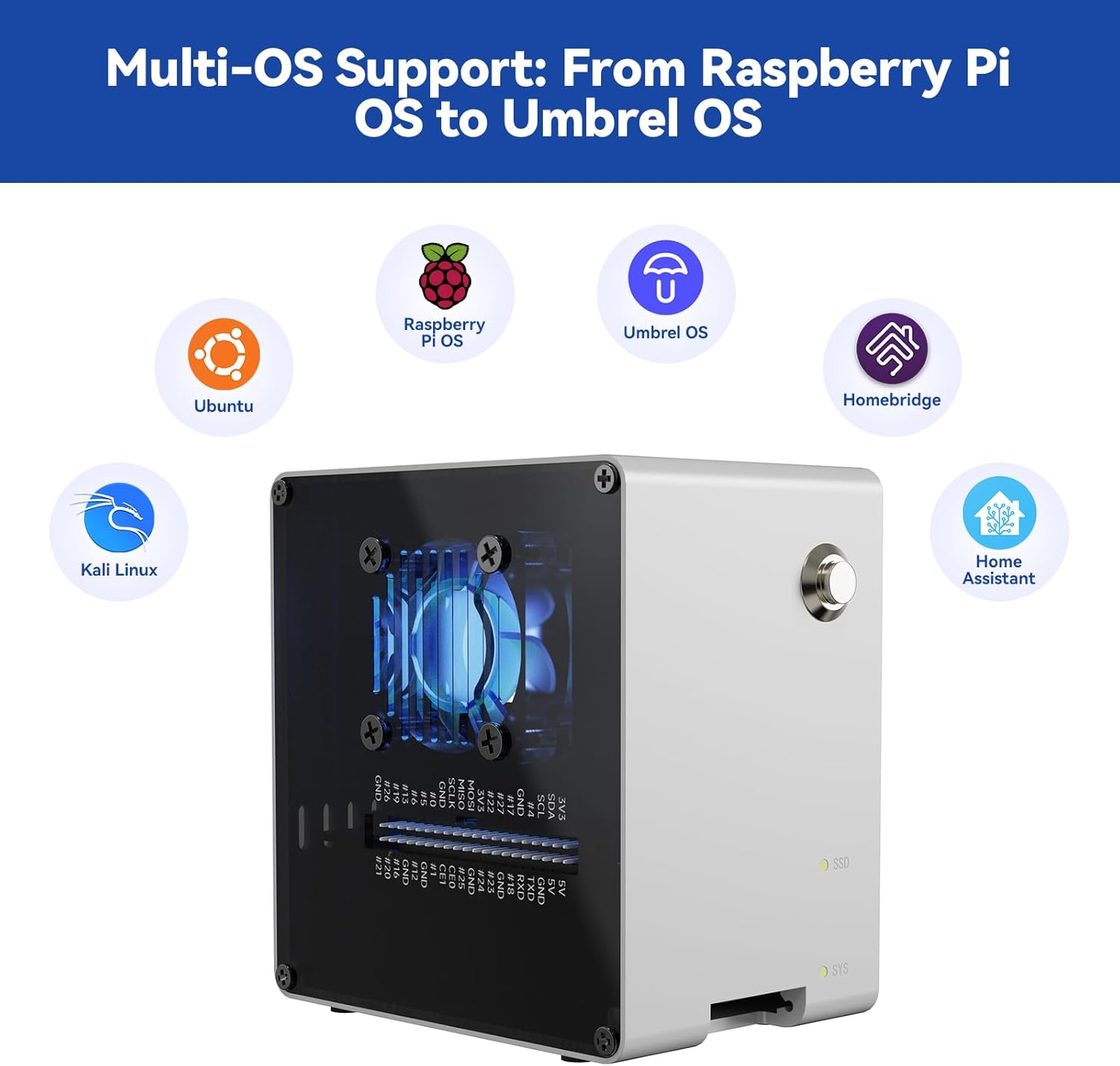
I like hardware that stays simple. This unit gives me 2 USB 3.0 ports for fast peripherals and external storage without clutter. A battery comes included and it requires 1 lithium metal battery, which I treat as an RTC-style keeper for time and settings during power loss.
Fit, placement, and pairing ideas
For a quick sense of how it’ll live in my setup, I use these checks:
- Footprint: package size is 5.47 x 4.92 x 3.31 inches, so it fits neatly on a desk or shelf.
- Cable flow: I keep the USB 3.0 side facing outward for easier swaps.
- Case match: I pair it with Argon One V3 NVMe case builds.
Check current pricing and availability at Amazon here!
Pironman 5-Mini NVMe M.2 SSD PCIe 2.0/3.0 Mini PC Case for Raspberry Pi 5 2/4/8/16GB Hailo-8L AI Accelerator with PWM Active Cooler+RGB Fan, Safe Shutdown, RGB Effect (RPI5 Not Included)
This image is property of Amazon.com.
What to Keep in Mind Before Buying
Raspberry Pi 5 isn’t included, so I plan the total build cost up front, including PSU, cooling, and storage. This case uses the Pi 5’s PCIe x1 link, so an NVMe drive will feel dramatically quicker than microSD for boots, databases, and containers, but it won’t hit desktop-class NVMe speeds in big sequential transfers. I also pick an SSD for sustained use, since some budget drives throttle hard in small enclosures.
Quick pre-buy checklist
I confirm these items before I click buy:
- Pi 5 board and power setup fit my budget
- NVMe drive capacity and thermals match my workload
- I compare alternatives like the Argon ONE V3 NVMe case, Pironman 5 NVMe case, or Pironman 5 Max
Check current pricing and availability at Amazon here!
Pironman 5-Mini NVMe M.2 SSD PCIe 2.0/3.0 Mini PC Case for Raspberry Pi 5 2/4/8/16GB Hailo-8L AI Accelerator with PWM Active Cooler+RGB Fan, Safe Shutdown, RGB Effect (RPI5 Not Included)

This image is property of Amazon.com.
Disclosure: As an Amazon Associate, I earn from qualifying purchases.

From San Jose, California. Former IT support lead who has seen unspeakable things plugged into USB ports. Reviews electronics with zero patience for bad firmware.