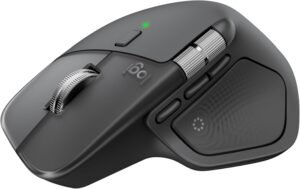
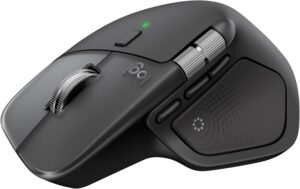
The Logitech MX Master 4 (Graphite) positions itself as a premium, ergonomic wireless mouse for Windows and macOS, with “precision you can feel” as the core pitch. That promise shows up in a configurable Haptic Sense Panel and deep, per-app customization through Logi Options+. It pairs ultra-fast, quiet MagSpeed scrolling (up to 1,000 lines per second) with an 8K DPI sensor that tracks on glass, plus stronger USB-C dongle connectivity, quick Bluetooth switching, and long USB-C battery life—aimed at keeping productivity flow uninterrupted.
Key takeaways
Configurable haptic feedback and per-app profiles in Logi Options+ help confirm actions without relying on visual UI changes.
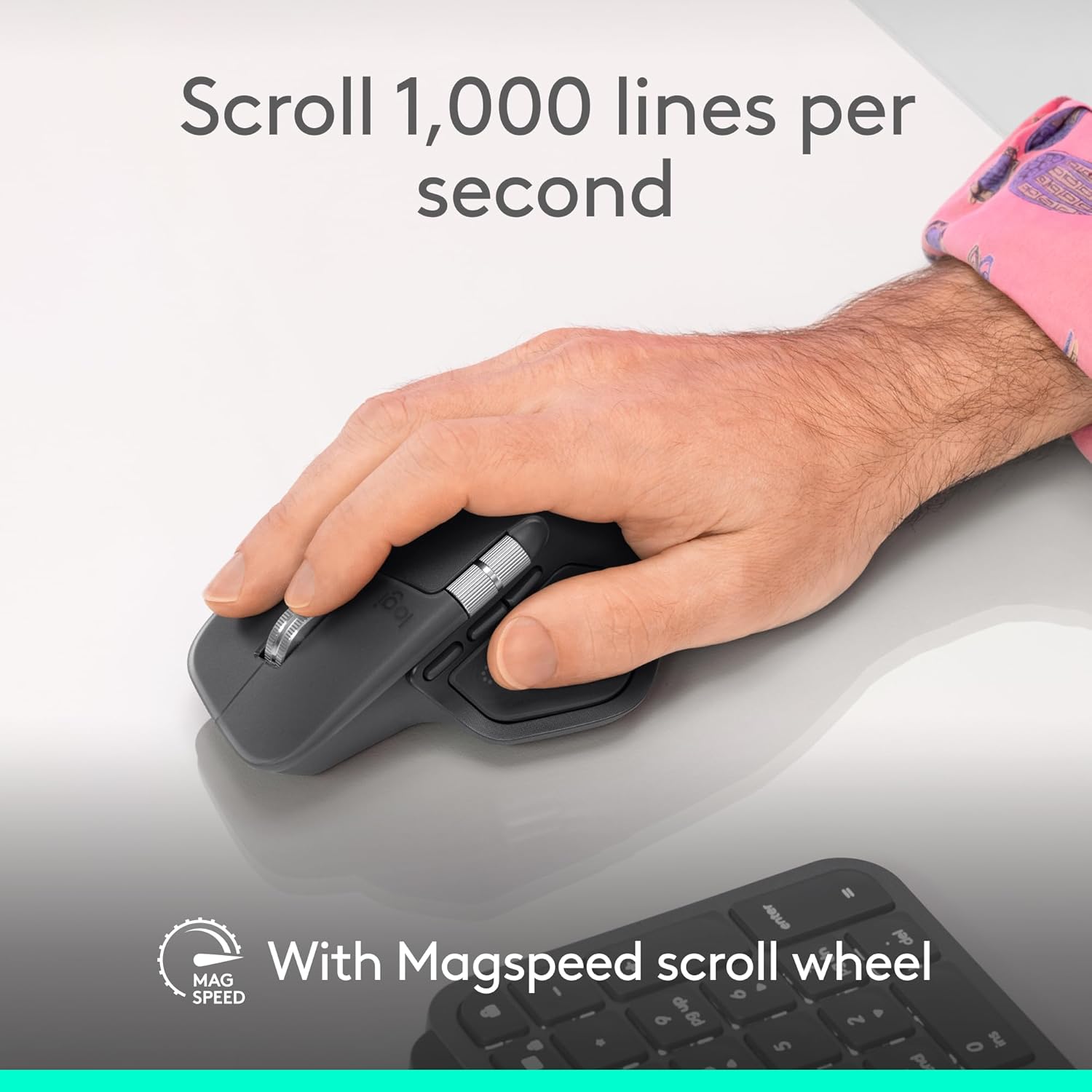
MagSpeed scroll wheel switches from ultra-fast scrolling to pixel-precise control and stays quiet for long sessions.
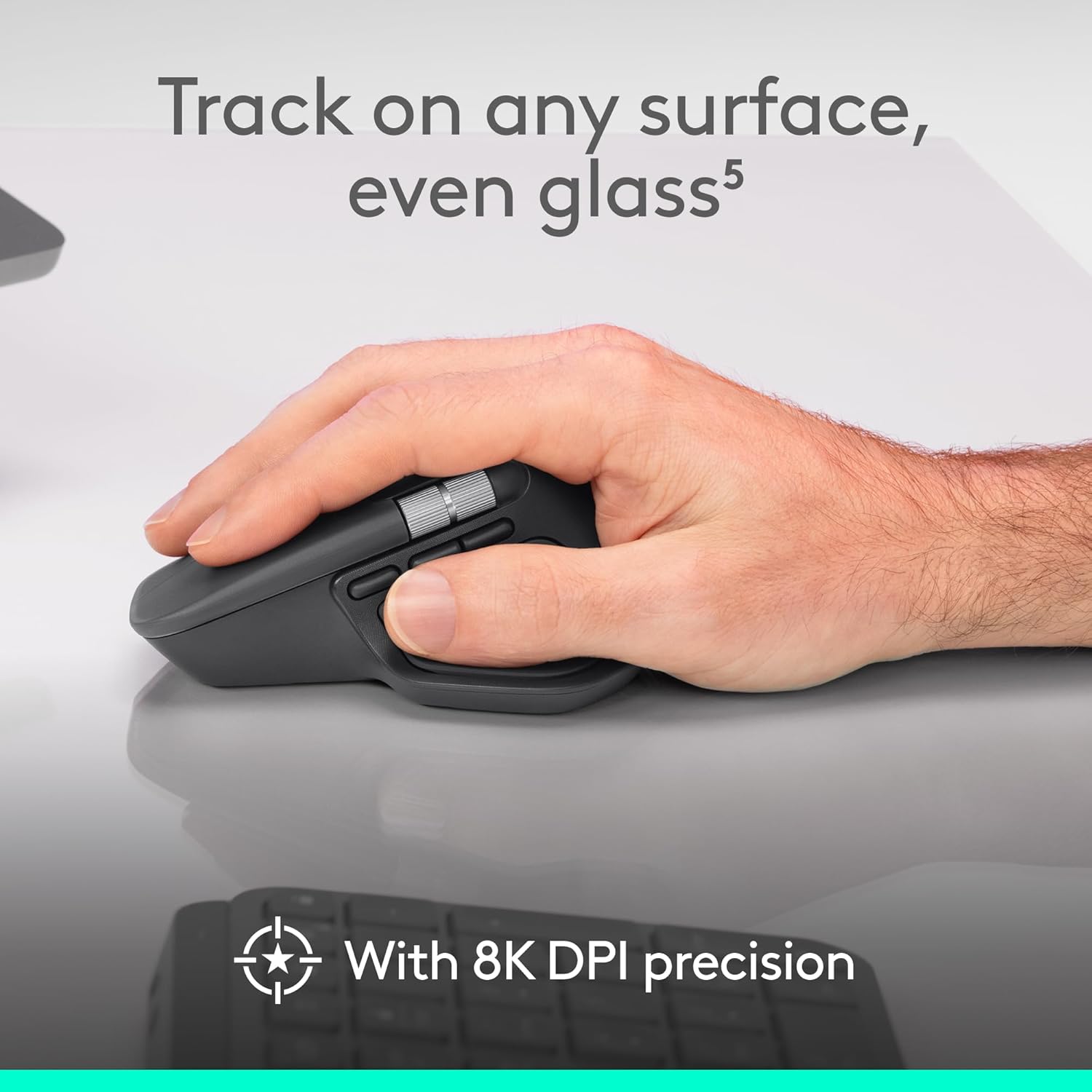
8K DPI sensor supports consistent tracking on glass and varied desk surfaces without needing a mousepad.
USB-C charging delivers up to 70 days of battery life, with about 3 hours from a 1-minute charge (no cable included).
Ergonomic comfort and Quiet Clicks stand out, but grip and click feel can vary based on hand fit and preferences.
Haptic Feedback & Deep Customization
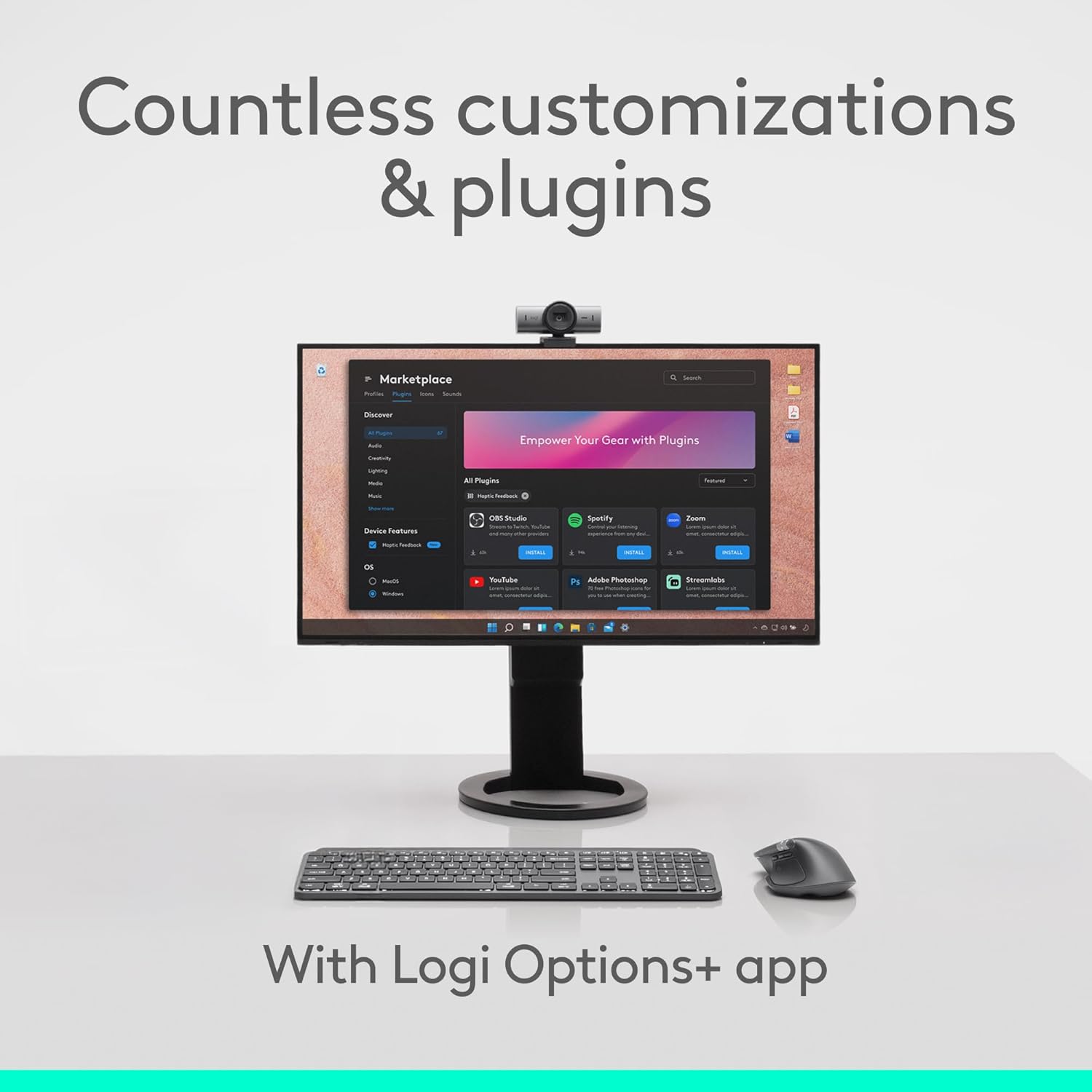
The MX Master 4’s standout is its built-in Haptic Sense Panel that gives “precision you can feel” while I work. Haptic feedback turns small inputs into clear confirmations, so I don’t need to stare at UI state changes. I can tune how it feels for specific actions, shortcuts, and notifications through Logi Options+, which keeps each app’s workflow consistent without adding visual clutter.
How I set it up for real work
A clean setup starts with a few focused choices:
I assign haptic taps to high-frequency commands (undo, mute, push-to-talk) so I get instant confirmation without breaking flow.
I use the Actions Ring to surface app-specific tools right at my cursor, cutting travel and keeping my hand in place.
I create per-app profiles so editing, spreadsheets, and browsing each get their own muscle memory.
I set distinct haptic patterns for warnings versus confirmations, which helps me react faster.
Logitech says Actions Ring can deliver up to 33% time savings and up to 63% fewer repetitive movements (Logitech). For related picks, I compare the feel against the MX Master 4 for Mac, and I’ll point gamers to the RedThunder pink RGB combo or the pink 60% set.
MagSpeed gives me speed without losing control. It runs ultra-fast up to 1,000 lines per second and switches to pixel-precise mode the moment I need accuracy, as noted by Logitech. The wheel stays quiet, so long reads and late-night edits don’t sound like a metronome. If I want this feel in a Mac-first setup, I point people to the MX Master 4 for Mac.
Sensor behavior in real work
Tracking comes from an 8K DPI sensor that works on glass and most desks (Logitech). I rely on it when:
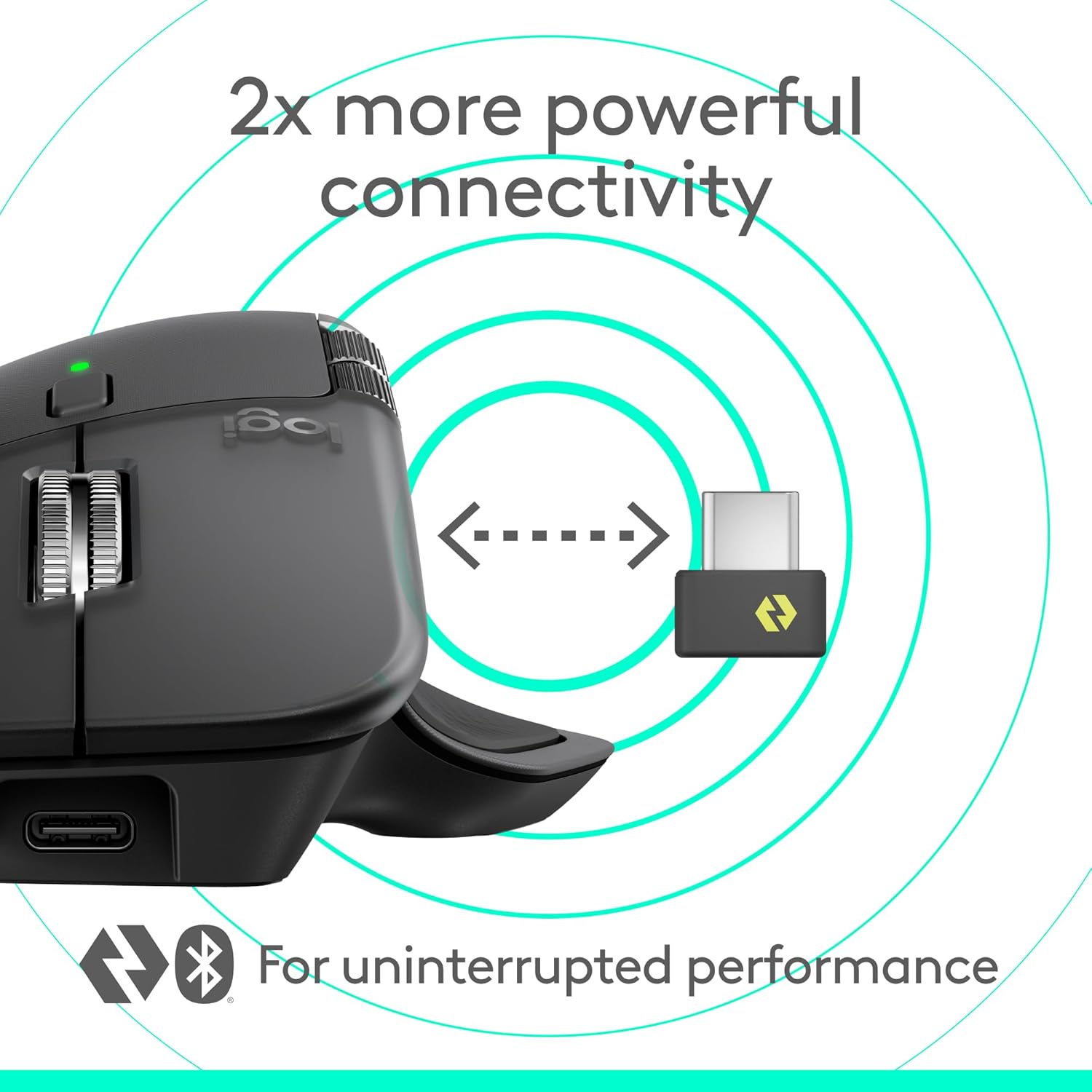
Logitech’s “2X more powerful connectivity” comes from a new USB-C dongle, an advanced radio chip, and optimized antenna placement. I like this setup for busy 2.4GHz environments because it stays steady while keeping latency low. Bluetooth support makes it easy to jump between laptops and tablets without carrying the dongle.
Charging and real-life endurance
Here’s how I’d plan around power and accessories:
USB-C charging delivers up to 70 days of battery life for desk use.
A 1-minute charge can give about 3 hours, which saves a workday fast.
No cable comes in the box, so I keep a spare near my setup.
I like the ergonomic shape and natural tilt because it keeps my wrist in a steadier posture during long stretches. The button layout feels intuitive, and the thumb wheel adds quick side-to-side control without forcing awkward finger moves. Quiet Clicks cut click noise by 90%, per Logitech, so I can work late without broadcasting every tap.
What feels great, and what can disappoint
Here’s where the feedback splits, so I treat fit and click feel as a personal match:
All-day comfort: many users report they can run it for hours with less hand fatigue, but some still report hand pain after extended use.
Surface grip: some describe an incredibly smooth glide, while others say the shell can feel slippery, especially with dry hands.
Thumb button feel: several users love the placement, yet others say the click feel around that thumb area can seem inconsistent.
Scroll control: the thumb wheel helps with timelines and horizontal sheets, though it can take a day to build muscle memory.
I like that the MX Master 4 treats sustainability as a core spec, not a footnote. Plastic parts use 54% recycled plastic in the Graphite finish, and the battery uses 100% recycled cobalt. Logitech backs those choices without asking me to give up feel or performance.
What I actually get in the box (and what it works with)
Here’s how I think about the practical add-ons and day-to-day fit:
Bonus software: A complimentary 1-month Adobe Creative Cloud subscription helps me try real workflows like photo edits, layout, and video timelines without extra cost.
Wide OS support: It runs on Windows, macOS, Linux, ChromeOS, iPadOS, and Android, so I can keep one mouse across a mixed setup.
Advanced controls: I install Logi Options+ when I want app-specific buttons, gesture tuning, and scroll behavior adjustments.
Cross-shopping note: If I want a Mac-first outline of features and finish options, I compare against the MX Master 4 for Mac.
I rate it 4.3 stars as a premium productivity mouse that’s a smart step up for many MX Master 3S owners. Haptic feedback adds a crisp, consistent feel to scrolling and clicks, and the faster scroll behavior helps me rip through long docs and timelines with less effort. Strong connectivity makes device switching feel instant, and the long battery life keeps my desk free of charging clutter.
Who I think it’s for (and who should pause)
I separate the decision into a few practical buckets:
Upgrade-now users: I want haptics, quicker scrolling response, and polished multi-device connectivity for daily work.
Hold-off users: I love my current fit and I don’t crave haptics enough to justify the jump.
Try-before-commit users: Comfort stays subjective, so hand size and grip style decide the win.
Disclosure: As an Amazon Associate, I earn from qualifying purchases.
Some of the links in this article are "affiliate links", a link with a special tracking code. This means if you click on an affiliate link and purchase the item, we will receive an affiliate commission.The item's price is the same whether or not there is an affiliate link. Regardless, we only recommend products or services we believe will add value to our readers.By using our affiliate links, you help support our Website, and we genuinely appreciate it.
From San Jose, California. Former IT support lead who has seen unspeakable things plugged into USB ports. Reviews electronics with zero patience for bad firmware.