Apple AirTag 4 Pack helps me keep everyday essentials like keys, wallets, backpacks, and luggage easy to find in the Find My app. I rely on Apple’s Find My network to stretch tracking beyond Bluetooth, which matters a lot in real travel and busy public spaces. Setup stays truly low-friction with one-tap pairing on an iPhone or iPad, and I can speed up recovery with speaker alerts, Siri, and Precision Finding on supported iPhones.
Key takeaways
- Find My + Find My network: Works inside Apple’s Find My app and uses the Find My network to locate items far past normal Bluetooth range
- One-tap setup: One-tap setup on iPhone or iPad lets me name and manage multiple AirTags fast
- Multiple ways to find items: Finding options include a built-in speaker chirp, Siri commands, and Ultra Wideband Precision Finding on supported iPhones
- Sharing: AirTags support sharing with up to 5 people, which works well for family keys or shared luggage
- Safety + durability: Lost Mode, encrypted and anonymous network signals, no stored location history, and IP67 water and dust resistance back up safer, longer-lasting tracking
Seamless Find My Tracking & Peace of Mind
AirTag fits into my daily routine because it lives inside Apple’s Find My app and stays out of the way. I clip one to keys, drop one in a backpack, and stash one in luggage. The Apple Find My network extends the reach well beyond Bluetooth by relaying location through hundreds of millions of Apple devices, which turns “lost” into “findable” in the places I actually travel.
Apple AirTag also carries a 4.8-star rating, which matches what I see in real use: the experience feels consistent, and setup stays simple. I also like that I can share an AirTag with up to 5 people. That works great for family keys and shared suitcases, since everyone can see the same item without juggling logins.
Practical setups I use
A few patterns keep tracking reliable and low-friction:
Label each AirTag clearly in Find My (Keys, Bag, Luggage) so alerts make sense fast.
Enable separation alerts for anything I can’t afford to leave behind.
Share only the AirTags tied to group gear, like luggage on a family trip.
Pair AirTags with a good key ring or holder so they don’t end up loose in a pocket.
I often pair travel days with noise-canceling gear like AirPods Pro 2 and still keep AirTags as my silent backup plan.
Check current pricing and availability at Amazon here!
Apple AirTag 4 Pack. Keep Track of and find Your Keys, Wallet, Luggage, Backpack, and More. Simple one-tap Set up with iPhone or iPad

This image is property of Amazon.com.
Easy Setup, Built-In Sound & Precision Finding
I like how AirTag keeps setup simple. I bring it close to an iPhone or iPad, tap once, name the item, and I’m done. That quick pairing also makes it easy to manage multiple tags without extra apps or accounts.
How I find things fast in real life
I rely on three layers of help, depending on how far the item is:
- Built-in sound: I trigger a chirp from the speaker when keys slip between couch cushions or a bag pocket.
- Siri support: I ask Siri to find the tagged item when my hands are full.
- Precision Finding: On supported iPhone models, Ultra Wideband guidance points me in the right direction and helps close the last few feet with impressive accuracy.
If I’m already upgrading my Apple gear, I also like pairing AirTag habits with everyday carry essentials such as AirPods Pro 2, or comparing options like AirPods 4 with ANC and AirPods Pro 3 for a clean, USB-C setup.
Check current pricing and availability at Amazon here!
Apple AirTag 4 Pack. Keep Track of and find Your Keys, Wallet, Luggage, Backpack, and More. Simple one-tap Set up with iPhone or iPad
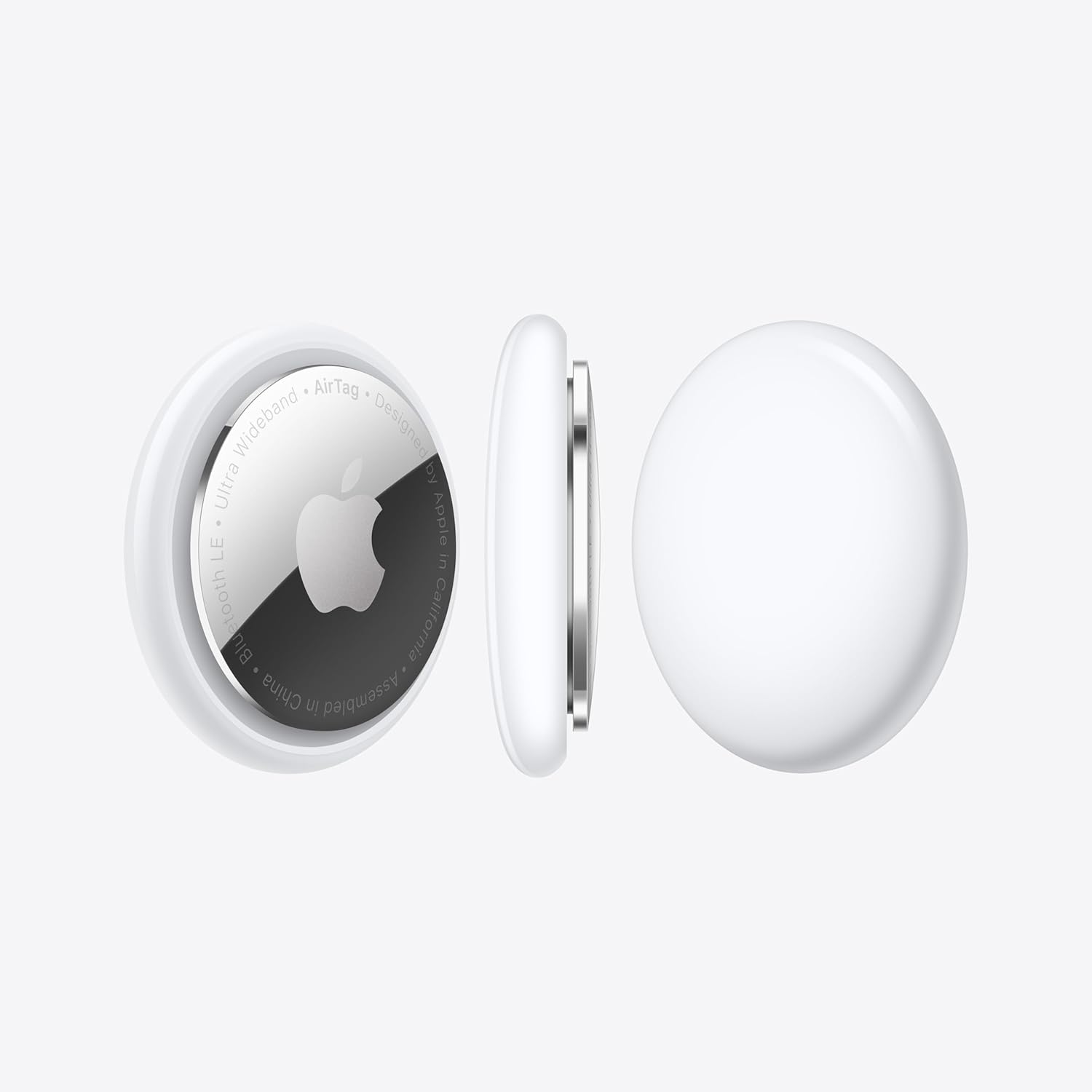
This image is property of Amazon.com.
Lost Mode, Privacy Protections & Durability
Lost Mode is where AirTag earns its spot in my travel kit. I can mark an item as lost and get automatic alerts when the Find My network detects it, which speeds up recovery without constant checking. Sharing helps too. I can hand off an AirTag’s location to a trusted third party, like an airline baggage team, so they can act without me relaying screenshots.
How I use it safely in real life
A few habits keep the experience smooth while protecting privacy:
I add a clear contact method in the Lost Mode message, then keep the text short.
I share the location only for the window I need, then I revoke access.
I rely on Apple’s privacy model: Find My network messages stay anonymous and encrypted, and the AirTag doesn’t store location history.
Durability matters for luggage, keys, and backpacks. IP67 water and dust resistance lets me worry less about rain, spills, or a rough baggage carousel.
If I’m already upgrading travel audio, I pair AirTag with gear like AirPods Pro 2 USB-C or AirPods 4 with ANC for a cleaner carry-on setup.
Check current pricing and availability at Amazon here!
Apple AirTag 4 Pack. Keep Track of and find Your Keys, Wallet, Luggage, Backpack, and More. Simple one-tap Set up with iPhone or iPad
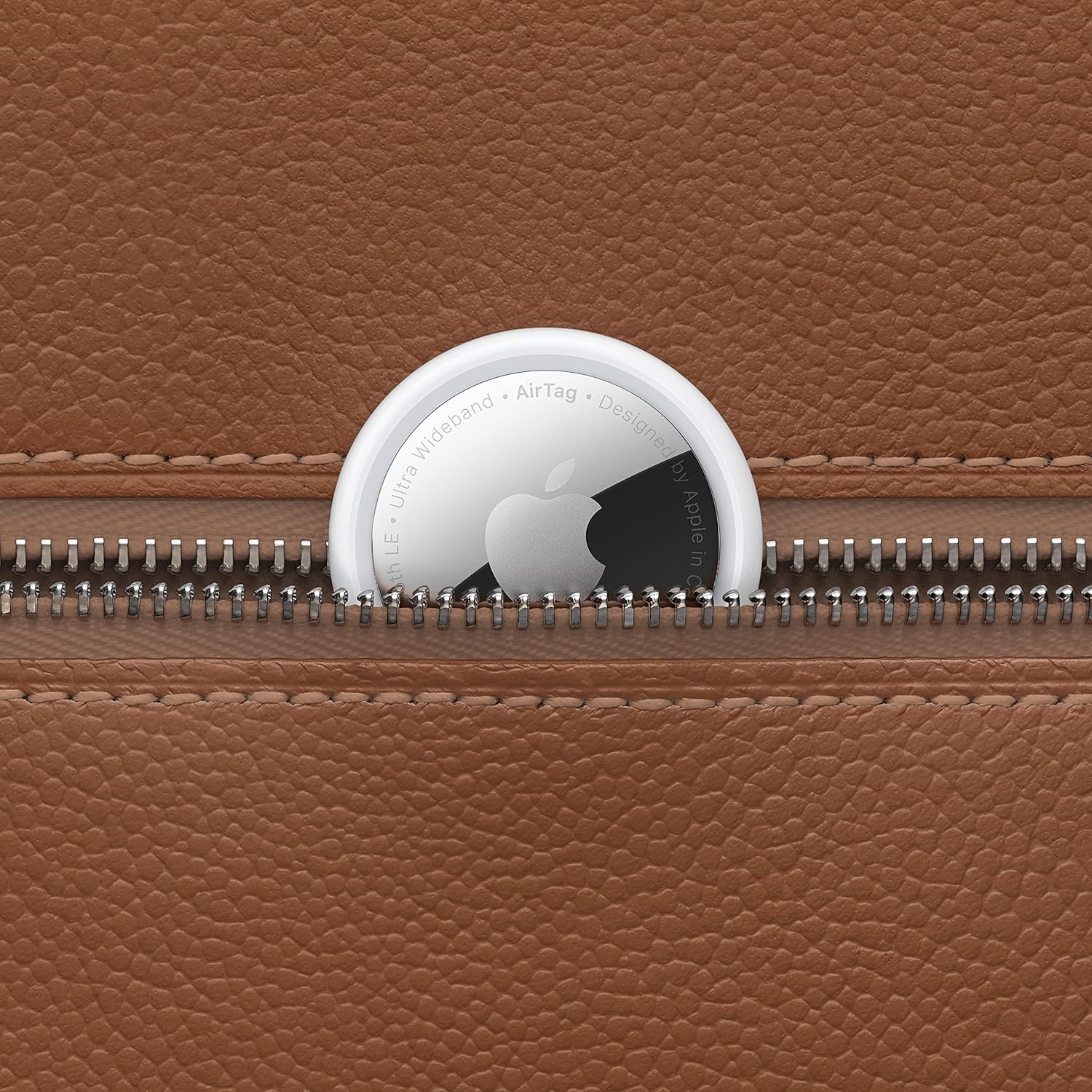
This image is property of Amazon.com.
Battery Life Notes (Mostly Strong, Some Mixed Feedback)
I like the AirTag approach here: a replaceable CR2032 that Apple rates for over a year of use, and this pack includes 4 CR2032 batteries, so I can plan swaps without hunting for spares. In day-to-day tracking, most owners report roughly a year of runtime, which lines up with Apple’s rating.
I also watch for the mixed feedback. Some buyers report units arriving with a dead battery. That can happen with long shelf time or a loose battery tab, so I always confirm the AirTag shows battery level after pairing and keep one of the included cells ready as a quick fix. A smaller set of users mention occasional connectivity hiccups, but most describe smooth Find My integration once the tag is set up.
Practical checks I do on day one
I run through a few quick steps before I trust it on keys or luggage:
- Pair immediately and confirm it appears reliably in Find My.
- Check battery status after setup, then again after 24 hours.
- Swap in a fresh CR2032 right away if anything looks off.
- Keep the tag near my phone for the first sync to avoid false “offline” impressions.
If I’m already upgrading my everyday carry, I’ll also compare options like AirPods Pro 2 USB‑C or AirPods 4 with ANC.
Check current pricing and availability at Amazon here!
Apple AirTag 4 Pack. Keep Track of and find Your Keys, Wallet, Luggage, Backpack, and More. Simple one-tap Set up with iPhone or iPad
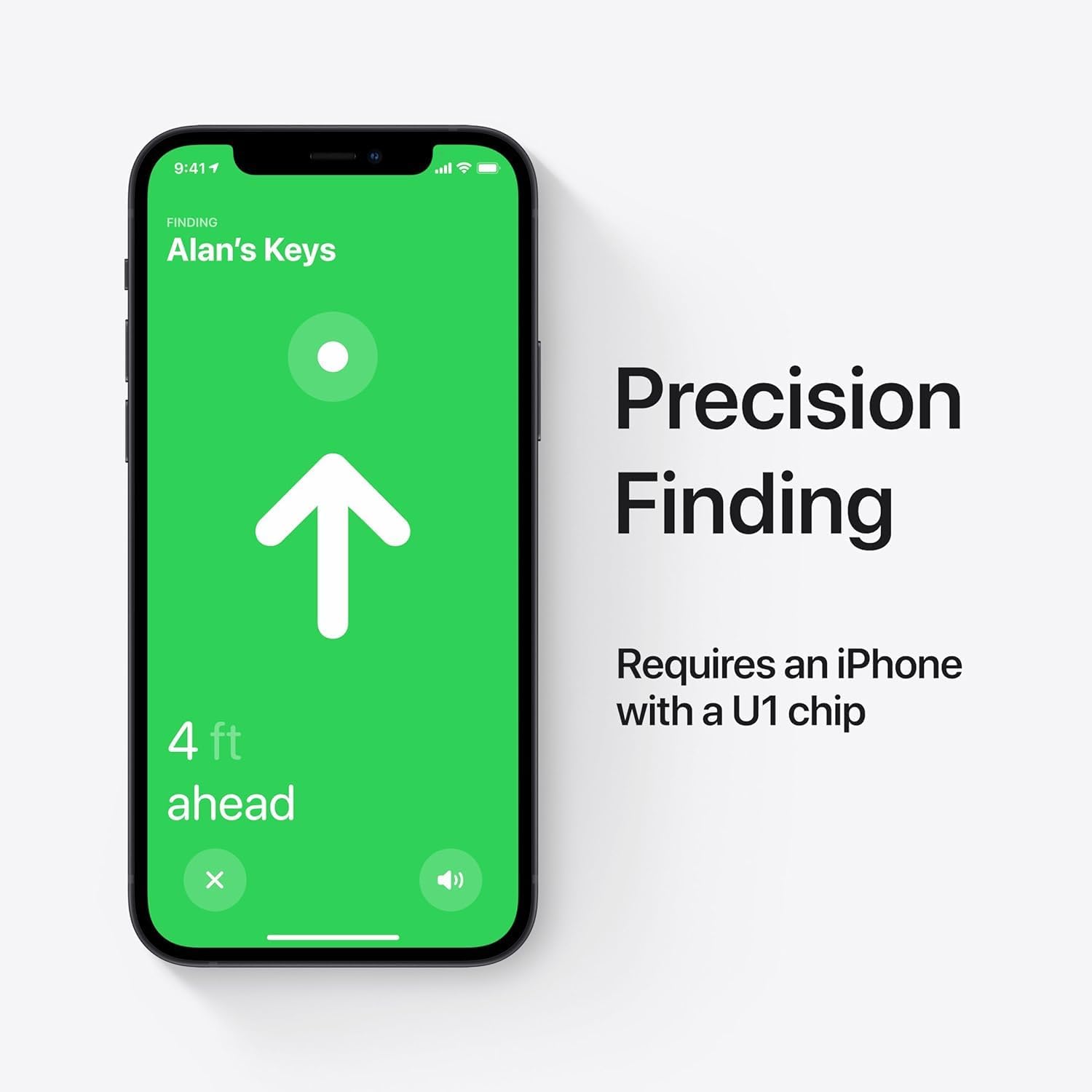
This image is property of Amazon.com.
Specs & Identifiers
I keep these identifiers handy for warranty claims, replacements, and spotting copycat listings. The tracker weighs 0.39 oz, so it disappears on a keyring or in a bag pocket. The product dimensions list as 5.25 x 5.25 x 0.75 inches, which usually reflects packaged size, not the puck itself. I reference the model number MX542LL/A when comparing sellers, and I verify the ASIN B0D54JZTHY to ensure I’m looking at the exact listing. The date first available shows June 28, 2024, which helps me confirm I’m buying the current retail version, not old stock.
For companion Apple audio gear, I cross-check fit and features with AirPods Pro 2 specs.
Check current pricing and availability at Amazon here!
Apple AirTag 4 Pack. Keep Track of and find Your Keys, Wallet, Luggage, Backpack, and More. Simple one-tap Set up with iPhone or iPad
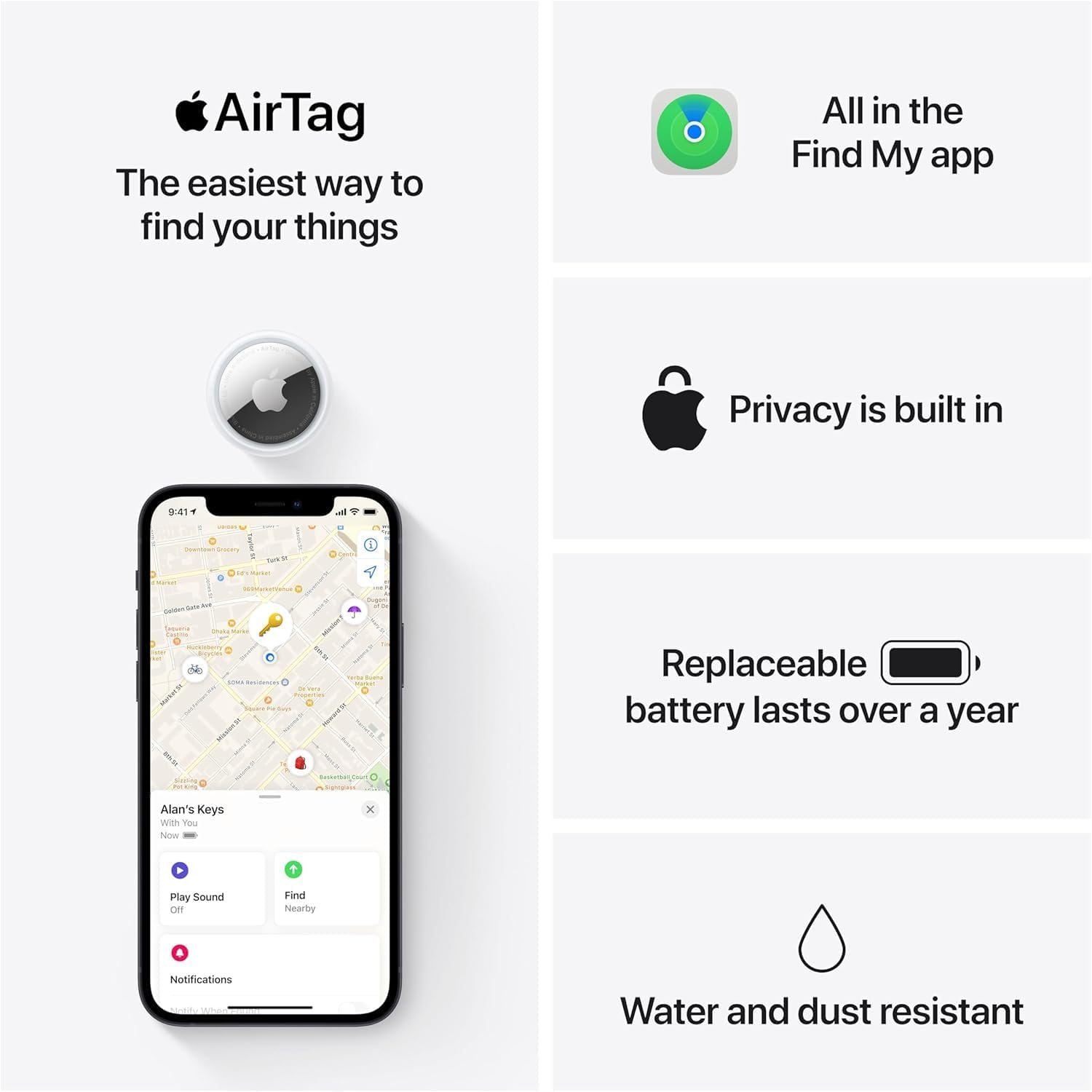
This image is property of Amazon.com.
Disclosure: As an Amazon Associate, I earn from qualifying purchases.

From San Jose, California. Former IT support lead who has seen unspeakable things plugged into USB ports. Reviews electronics with zero patience for bad firmware.