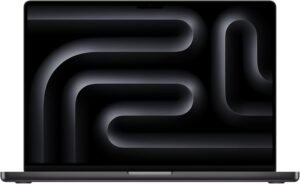
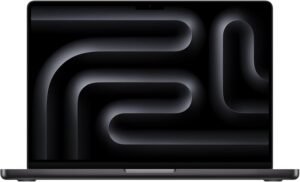
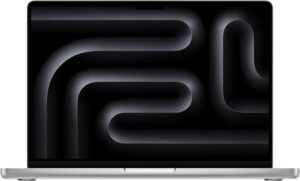
2026 MacBook Pro M5 Pro (18‑Core/20‑Core) 1TB Black
The Apple 2026 MacBook Pro 16-inch in Space Black positions itself as a true mobile workstation, pairing the M5 Pro (18-core CPU, 20-core GPU) with 24GB unified memory and a 1TB SSD to stay responsive under heavy creative timelines, dense photo edits, multi-app multitasking, and on-device AI workflows.
Overview
This configuration focuses on sustained, pro-grade throughput: fast CPU/GPU performance for creation and compute, enough memory bandwidth for complex pipelines, a large SSD for active media and caches, and a display/connectivity stack designed to reduce friction in on-the-go production.
Key takeaways
M5 Pro performance targets demanding 4K/8K editing, motion graphics, 3D/GPU compute, code builds, VMs, and data workloads with fewer stalls.
On-device AI is a standout, supporting local inference (and lighter training loops) with lower latency and less cloud reliance for privacy and uptime.
16.2-inch Liquid Retina XDR supports HDR grading and long editing sessions with high peak and sustained brightness, plus strong contrast for cleaner highlight and shadow detail.
24GB unified memory + 1TB SSD helps keep large projects responsive, reduces swap pressure during multitasking, and leaves room for active libraries and scratch files.
Pro connectivity includes three Thunderbolt 5 ports, MagSafe 3, HDMI, SDXC, plus Wi‑Fi 7 and Bluetooth 6 for modern wireless workflows.
Why it reads as a “mobile workstation”
Performance for real production loads
The M5 Pro’s CPU/GPU mix is framed for workloads where responsiveness matters most: scrubbing complex timelines, rendering effects, accelerating exports, compiling large projects, and keeping multiple pro apps open without constant slowdowns.
On-device AI for speed and control
Local AI execution can reduce round trips to the cloud, which typically improves latency and helps maintain privacy. It can also keep workflows moving when connectivity is limited or congested.
Display built for HDR-critical work
The 16.2-inch Liquid Retina XDR panel is positioned for HDR grading and long sessions, emphasizing brightness, contrast, and detail separation in highlights and shadows—useful when you’re making decisions that must hold up across reference displays.
Memory and storage that keep projects moving
24GB unified memory is a practical baseline for heavier multitasking and larger creative projects, while the 1TB SSD leaves space for working media, caches, and scratch—often the difference between staying fluid and hitting bottlenecks.
Ports and wireless that reduce friction
With Thunderbolt 5, MagSafe 3, HDMI, and SDXC, the port selection aims to cut dongle clutter for common pro gear. Wi‑Fi 7 and Bluetooth 6 round it out for faster, steadier transfers and current accessory support in crowded network environments.
Overview: A True Pro Laptop That Flies
I see the Apple 2026 MacBook Pro 16-inch (M5 Pro, 24GB, 1TB) in Space Black as a legit pro machine built for heavy creative and professional workloads. Performance feels instant in big timelines, dense photo edits, and multi-app sessions, and the 24GB memory keeps projects responsive while the 1TB SSD leaves room for active libraries and scratch files. I also like how well it pairs with pro add-ons like the MX Master 4 mouse for long editing days.
Where it shines day to day
Here’s where I expect it to earn its Pro name:
4K/8K editing and motion graphics with fewer slowdowns
Code builds, VMs, and data tasks with consistent speed
Large Lightroom/Capture One catalogs and layered PSDs
Apple 2026 MacBook Pro Laptop with Apple M5 Pro chip with 18-core CPU and 20-core GPU: Built for AI, 16.2-inch Liquid Retina XDR Display, 24GB Unified Memory, 1TB SSD, Wi-Fi 7; Space Black
This image is property of Amazon.com.
5-Star Performance with M5 Pro
I get instant responsiveness from the Apple M5 Pro, and the 18-core CPU keeps heavy creative apps smooth even during large exports. Graphics work stays fluid too, since the 20-core GPU pushes high frame rates in pro timelines and complex previews. On-device AI feels like a daily advantage, since I can run intelligent features locally with less waiting and fewer cloud round trips.
How I’d use this speed day to day
I lean on it for workloads like these:
4K/8K editing, color, and effects without constant proxy juggling
3D scenes, GPU compute, and fast viewport interaction
Local AI tasks like transcription, tagging, and smart selection
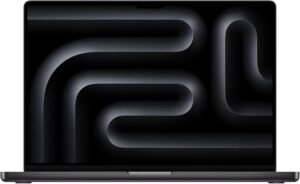
Apple 2026 MacBook Pro Laptop with Apple M5 Pro chip with 18-core CPU and 20-core GPU: Built for AI, 16.2-inch Liquid Retina XDR Display, 24GB Unified Memory, 1TB SSD, Wi-Fi 7; Space Black
This image is property of Amazon.com.
Built for On-Device AI Workflows
I see the 16-inch MacBook Pro as a strong fit for private, low-latency AI work because a neural accelerator sits inside each CPU core. That setup keeps LLM inference and even lighter training loops snappy while staying local, so I don’t have to ship prompts or data to the cloud.
I get consistent performance on planes, in secure offices, or anywhere Wi‑Fi feels flaky, and the workflow stays simpler with fewer remote dependencies. For a mobile desk setup, pairing it with a dependable battery pack like this 300W power bank helps me keep long runs going.
Apple 2026 MacBook Pro Laptop with Apple M5 Pro chip with 18-core CPU and 20-core GPU: Built for AI, 16.2-inch Liquid Retina XDR Display, 24GB Unified Memory, 1TB SSD, Wi-Fi 7; Space Black
This image is property of Amazon.com.
16.2-inch Liquid Retina XDR Display
The 16.2-inch Liquid Retina XDR display gives me a dependable canvas for HDR grading, photo retouching, and long editing sessions. In Apple specs, it hits up to 1600 nits peak brightness, 1000 nits sustained brightness, and a 1,000,000:1 contrast ratio, so highlights pop while shadows hold detail instead of turning muddy. I also like how the screen stays readable in bright rooms without forcing me to crush blacks or overexpose midtones.
How I use it for real work
A few practical ways this display helps me move faster and make better calls:
I preview HDR exports with confidence because bright specular areas stay controlled instead of clipping early (Apple specs).
I judge subtle gradients and dark scenes with fewer “surprises” on external TVs thanks to the high contrast (Apple specs).
I keep timelines, scopes, and reference stills visible without constantly zooming, which cuts friction during edits.
I pair the laptop with accessories I already like, such as a wireless mouse, to stay comfortable on desk days.
Apple 2026 MacBook Pro Laptop with Apple M5 Pro chip with 18-core CPU and 20-core GPU: Built for AI, 16.2-inch Liquid Retina XDR Display, 24GB Unified Memory, 1TB SSD, Wi-Fi 7; Space Black
This image is property of Amazon.com.
Memory and Storage for Pro Use
I run big creative apps and lots of tabs, so 24GB unified memory matters. It keeps large timelines, layered PSDs, and code builds moving without constant swapping. Unified memory also feeds the CPU and GPU from the same pool, which helps with smoother edits and fewer hiccups during heavy multitasking.
How I use 24GB + 1TB day to day
Here’s where this setup pays off:
I keep multiple pro apps open while staying responsive.
I load large project files fast, thanks to the 1TB SSD.
I store active work locally, then archive as needed.
For an on-the-go workflow, I pair it with a high-output backup like this power bank.
Apple 2026 MacBook Pro Laptop with Apple M5 Pro chip with 18-core CPU and 20-core GPU: Built for AI, 16.2-inch Liquid Retina XDR Display, 24GB Unified Memory, 1TB SSD, Wi-Fi 7; Space Black
This image is property of Amazon.com.
All-Day Battery Life
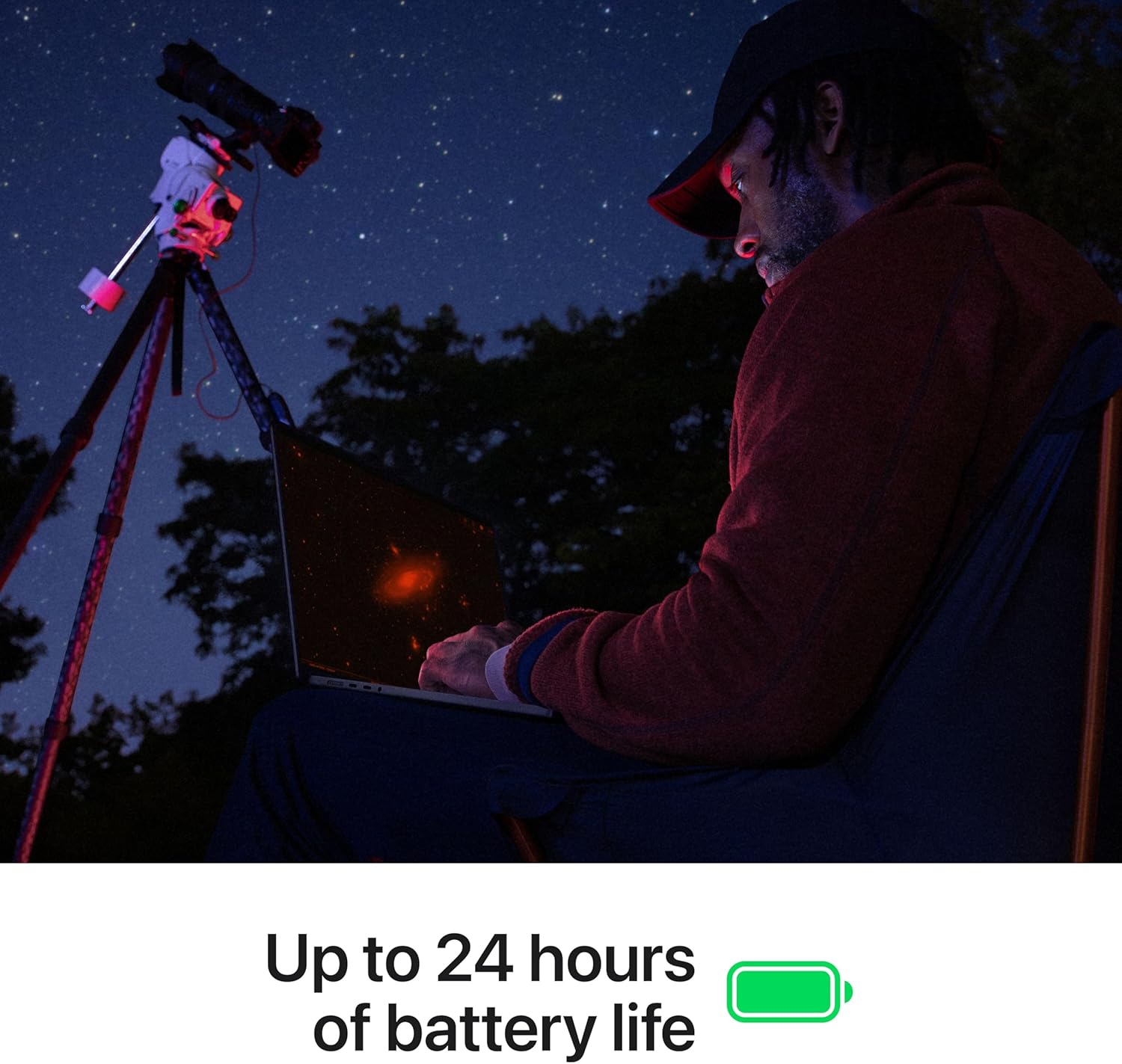
I count on the MacBook Pro 16-inch to keep its pace whether I’m on battery or plugged in. Performance stays consistent during long video calls, multi-app workflows, and timeline scrubbing, so I don’t have to throttle my workload just because I’ve left the charger behind. That reliability makes it a strong pick for travel days and on-site edits where outlets feel rare.
How I get dependable unplugged performance
I stick to a few habits that stretch runtime without sacrificing speed, and they’re easy to repeat in real work:
I tune display brightness to the room instead of maxing it out.
I close heavy background apps before exporting or compiling.
I use Low Power Mode only when I’m writing or browsing, not during renders.
I carry a high-output USB-C power bank for flights; I’ve had good luck with options like this 300W power bank.
For a compact travel kit, I also pair it with a small portable power station when I expect a full day away from outlets.
I get a true pro I/O mix here, so I can plug into desk gear, on-set tools, and travel accessories without living on dongles. Three Thunderbolt 5 ports handle high-speed storage, displays, docks, and charging. MagSafe 3 keeps power quick to connect and safer to bump. HDMI makes it easy to drop into projectors or external monitors on short notice. The SDXC card slot speeds up photo and video ingest, and the headphone jack covers wired monitoring with zero pairing drama.
How I’d set it up day to day
I keep a few simple habits that make the port layout and wireless stack pay off fast:
I reserve one Thunderbolt 5 port for a dock, then rotate the other two for scratch SSDs or a capture device.
I use HDMI for “walk-up” displays and keep Thunderbolt 5 free for bandwidth-heavy workflows.
I dump media straight from SDXC, then move the card back to camera so nothing gets misplaced.
I pair earbuds once over Bluetooth 6, then stick with the same profile for consistent latency.
Wireless support includes Wi‑Fi 7 and Bluetooth 6 via Apple’s N1 wireless chip, which helps me keep transfers fast and connections steady even in busy networks. For a travel companion, I often pack a high-output power bank.
I rely on the 12MP Center Stage camera to keep framing steady in video meetings, even when I shift position.
Audio stays clean thanks to three studio-quality microphones that handle speech with less room noise, so I don’t sound thin or distant.
Media playback stands out with a six-speaker system that supports Spatial Audio and Dolby Atmos, which gives films and mixes wider separation and stronger low end without a separate setup.
I get the most value from the MacBook Pro 16-inch when I pair it with an iPhone. Apple’s Continuity features tighten my workflow and cut down on context switching. iPhone Mirroring lets me interact with phone apps and notifications right from macOS, so I stay focused on one screen. Universal Clipboard also keeps ideas moving fast, because I can copy text, images, and links on iPhone and paste them on the Mac in seconds.
Continuity features I use daily
These are the integrations that genuinely save me time during work and calls:
iPhone Mirroring for quick app checks and notification triage without picking up my phone.
Universal Clipboard for friction-free copy/paste handoffs between iPhone and Mac.
Messages on Mac for full conversations with proper keyboard speed and better window management.
FaceTime on Mac for clearer framing, better multitasking, and easy screen sharing.
I often pair this setup with a comfortable pointer like the ergonomic wireless mouse to keep long editing or messaging sessions smooth.
I like the 16-inch MacBook Pro’s footprint because it balances screen space with packability. The chassis measures 9.77 x 0.66 x 14.01 inches and weighs 4.71 pounds, so it stays manageable for daily commutes while still feeling stable on a desk.
What I focus on day to day
Here’s what stands out in regular use:
Backlit keyboard: I rely on it for low-light editing and late-night writing without screen glare.
Fingerprint reader: I use it for quick sign-ins and secure approvals, which speeds up repetitive workflows.
macOS: I stick with it for consistent app performance and a clean setup experience across creative and productivity tools.
Release details and purchase reference
I track timing and identifiers to avoid the wrong configuration. This model is available March 4, 2026, and the ASIN is B0GR1JKMBV. For accessories that pair well with a mobile workstation, I often add a high-output battery like this 300W power bank to keep sessions uninterrupted.
Disclosure: As an Amazon Associate, I earn from qualifying purchases.
Some of the links in this article are "affiliate links", a link with a special tracking code. This means if you click on an affiliate link and purchase the item, we will receive an affiliate commission.The item's price is the same whether or not there is an affiliate link. Regardless, we only recommend products or services we believe will add value to our readers.By using our affiliate links, you help support our Website, and we genuinely appreciate it.
From San Jose, California. Former IT support lead who has seen unspeakable things plugged into USB ports. Reviews electronics with zero patience for bad firmware.